A free presentation maker that lives in your browser
This presentation maker needs no installer and no account to get going: choose a template, swap in your story, and present full screen or download a .pptx anyone can open. Nothing you export carries a watermark.
- Runs in the browser
- Free, no watermark
- Start without signing up
- Cloud saving when you want it
- Works with
- .pptx
- .png
- widescreen
- square
- story
- paper
Start with the job you have
Each page below is one task with the tool ready to go. When you need everything, the full editor is a click away.
PPTX viewer
Read and fix a deck from an email on any computer.
AI presentation maker
A first draft with speaker notes from a short brief.
Templates & backgrounds
Backgrounds and designed decks for reports, pitches and posts.
PPT to PDF
A read-only handout anyone can open.
School presentation
Templates, ideas and an outline for class decks.
Slideshow maker
Photo loops and deck presenting without software.
Pitch deck template
Six slides that frame an investor conversation.
Presentation animation
Transitions between slides and effects on objects.
Use cases
Talks and project defenses
Conference slots, thesis defenses and client reviews with presenter view, notes and a timer.
Lessons and school projects
Lesson and project templates; see the school presentation guide.
Applications
Portfolio decks for job and college applications, exported as a PDF the portal accepts.
Pitches
An investor-ready pitch deck template with your brand kit applied.
Can I use a free online alternative to desktop presentation software?
Yes — this editor opens and saves .pptx, the standard office presentation format, so files you make here keep working in whatever desktop app your colleagues run, and decks they send you open here with their themes and animations. To look at or fix a file someone sent, the PPTX viewer is the quickest route.
What are AI slides, and can this tool make them?
AI slides are slides drafted by a language model from a short description, and yes, the editor can make them once you connect AI in your Zotu account. You'll get a short deck with titles, bullet points and speaker notes on a theme, ready to fix up by hand.
Is there an AI presentation generator built in?
Yes: File → New with AI… turns a brief into three to twelve slides, and the assistant then rewrites, translates or extends them on request. AI is billed to your AI account as you use it and needs sign-in; the AI presentation maker page explains the details.
What should the best presentation maker for you offer?
It should open the files you already have, start quickly from good-looking templates, keep design consistent with a brand kit, export to every format people ask for, and present without fuss. Here that means .pptx in and out, sixteen templates in four palettes each, PDF and image export, and presenter view with notes.
How the presentation maker works
Pick a starting point
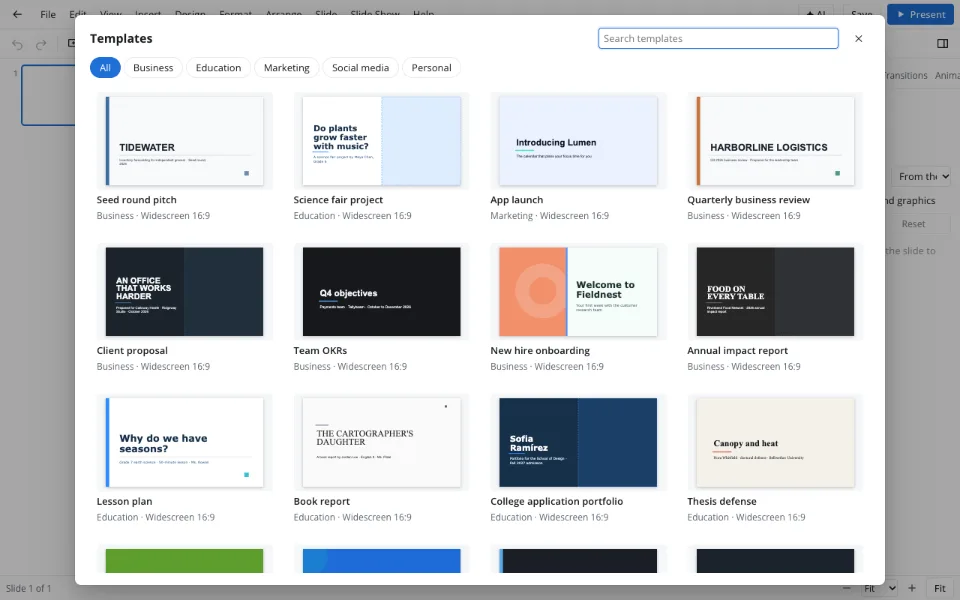
A blank deck from New presentation, or a designed one from File → Template library…, searchable by name and category.
Build the story
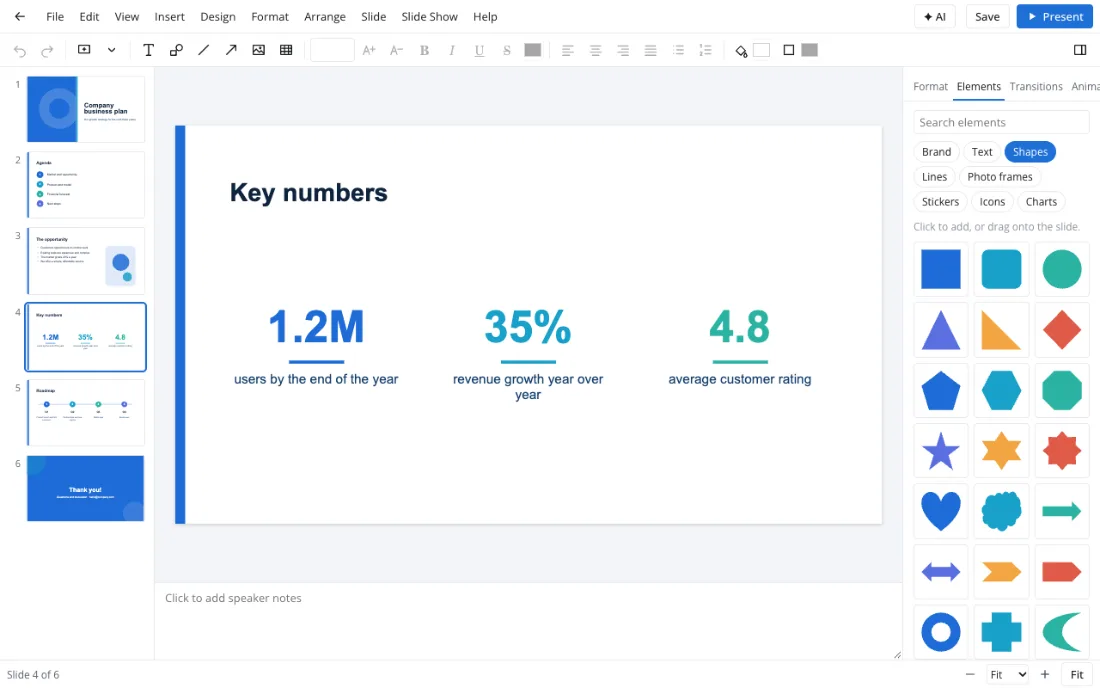
Type straight onto the slides and drag shapes, icons, photo frames and charts in from the Elements tab.
Show it or ship it
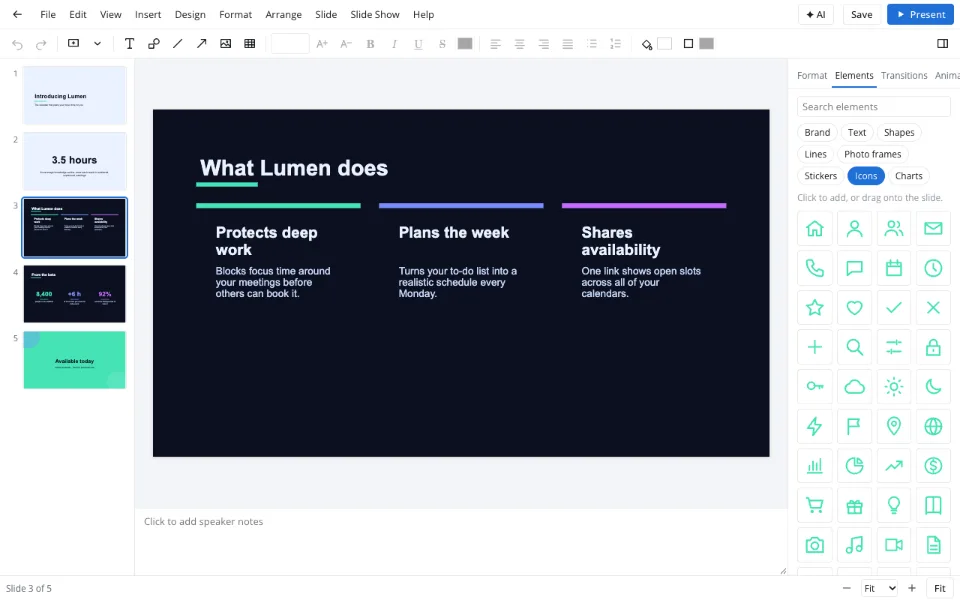
Present goes full screen; Download .pptx hands over an editable file, and Export makes a PDF or images.

Features
| Feature | What it gives you |
|---|---|
| Template library | Designed decks for business, school, marketing, social and personal use |
| Elements tab | Shapes, lines, photo frames, stickers, icons and charts by drag and drop |
| Brand kit | Your colors, fonts and logo on every slide in one step |
| Charts | Forty chart types with an editable data sheet |
| Motion | Ninety-five animation effects and fifty-one slide transitions |
| Resize | Widescreen, square, story and paper formats, with Recompose |
Privacy
On the tool pages a deck is edited in your browser and never uploaded. It reaches the Zotu cloud only when you sign in and save it there, and stored data is handled under GDPR. No ads and no watermark ever appear on your slides.
FAQ
Support: [email protected]
How do I make a presentation online for free?
Open the editor here, start from a template or a blank slide, type your content and drag in pictures or charts from the Elements tab. Present it full screen or click Download .pptx. Nothing to install, no account to start and no watermark on anything you export.
Where can I make a presentation online for free?
Right on this site: Zotu Presentations runs in any current browser, and the editor, templates and exports cost nothing. You can work signed out on the tool pages and keep your file locally; signing in adds cloud storage, access from other devices and optional paid AI.
How do I open a presentation file online?
Use the PPTX viewer: choose the file or drag it into the window and it opens in the browser with slides, notes and animations. You can present it from there, switch on editing and download a corrected copy, all without desktop software.
How do I start an online presentation?
Open your deck and press Present — slides fill the screen and advance with the arrow keys, a click or a swipe. With a projector, choose Slide Show → Presenter view so your notes, the next slide and a timer stay on your own screen while the room sees the slides.
Where do I find good free templates?
In the Template library inside the editor: designed decks for business, education, marketing, social media and personal use, each in four palettes. They're free, never watermarked and download as .pptx, so you can keep working on them in other apps.
Does it work on phones and Chromebooks?
Yes. It runs entirely in the browser, so there's nothing to install and no admin rights to request on a school or work machine. Phones are great for reviewing and presenting; building a deck is more comfortable on a larger screen.
Is it free? Is there a watermark?
It is free: editing, templates, themes, charts, the slideshow and downloads cost nothing and never add a watermark. Only AI operations are paid, billed to your AI account per use, and there's no subscription for the editor itself. You can share or present the result as often as you like.
Is it safe to upload documents?
Nothing is uploaded on the tool pages — the deck opens in your browser and stays on your device. Saving to the Zotu cloud keeps files for your account only, handled under GDPR; AI features send slide text to the AI provider when you use them.
Your next deck starts here
Open the editor and go from blank slide to finished presentation without leaving the browser.
Open the editor