PPT to PDF in your browser, privately
PPT to PDF for decks headed to people without presentation software or into an upload portal. Choose a .pptx and your browser prints it to a .pdf file with each slide on its own page.
- Runs in the browser
- Nothing uploaded
- One page per slide
- Works with
- .pptx
- .png
- widescreen
- square
- story
- paper
Use cases
Applications
A portfolio or writing sample for job and college portals that only accept .pdf.
Tax season and e-filing
Supporting slides for an accountant or filing portal, sent as one tidy file.
Client handouts
Something people can read on a phone without installing anything.
How do I convert a desktop presentation to .pdf without that app?
Open the .pptx here and click Save as PDF — your browser does the conversion, so the desktop app isn't needed at all. Choose Save as PDF as the destination in the print dialog and pick a folder; that's the whole process.
Can I convert .pptx to .pdf for free?
Yes, without sign-up and without a watermark. The same page handles every modern .pptx; very old .ppt files need re-saving as .pptx in any presentation app first, and decks over forty megabytes or three hundred slides are too large.
How good is the PPT to PDF quality?
Slides are drawn at your printer's resolution, so text and shapes stay sharp and photos keep the resolution stored in the deck. Each slide becomes an edge-to-edge picture on its own page, which means the text inside the file can't be selected — the look, however, can't shift.
What makes a converter the best choice for private decks?
Converting locally. Here the file is produced by your own browser, so board materials or client work never reach a server, and there's no queue, no account and no file-size upsell. If you need to fix a slide first, open the deck, edit it, then come back.
How PPT to PDF works here
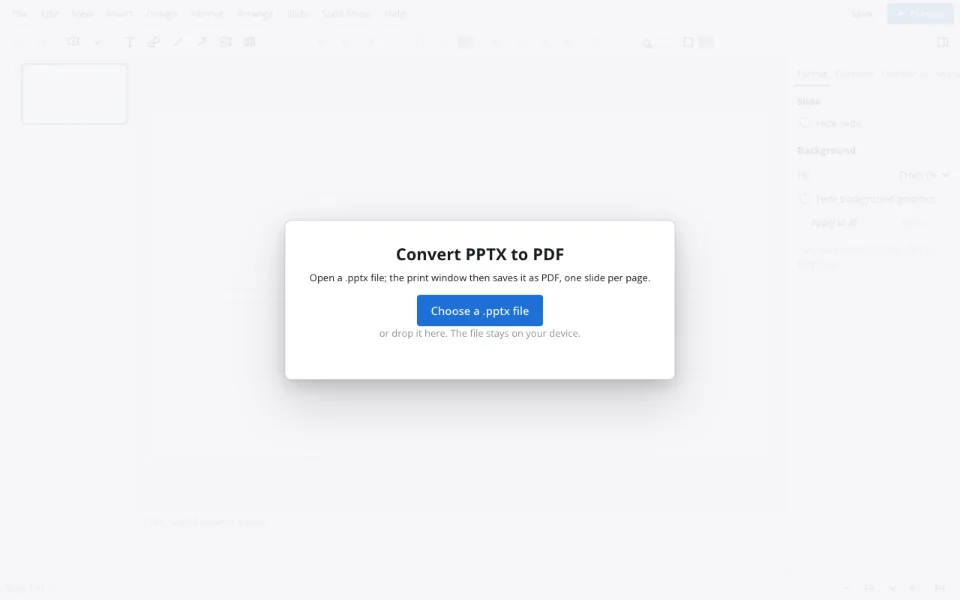
Pick the deck
Choose a .pptx file, or drag it into the window.
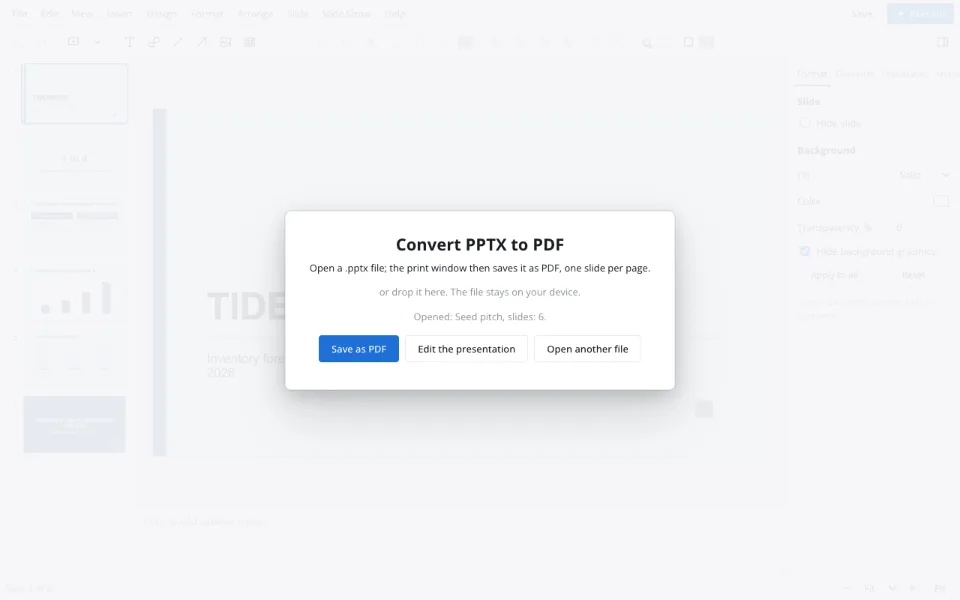
Press Save as PDF
The browser's print dialog appears with every slide already laid out.
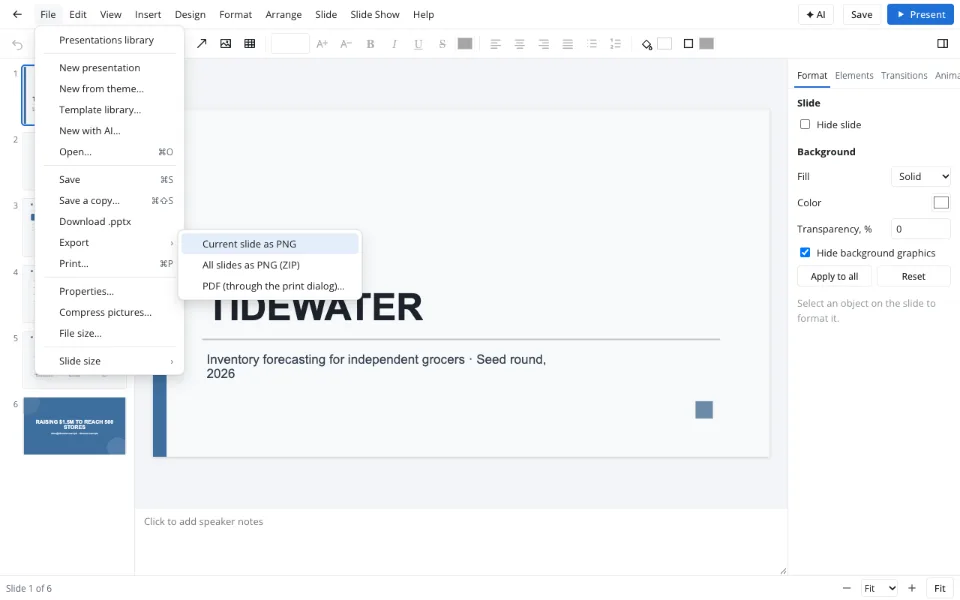
Choose the file destination
Select Save as PDF and a folder. Inside the editor, the Export menu offers the same.
Features
| Feature | What it gives you |
|---|---|
| Local conversion | The print engine of your browser builds the file |
| Page per slide | Pages sized to the slide, no margins |
| Image export | All slides as .png images in one .zip from the editor |
| Compress pictures | Smaller photos before converting, for lighter files |
Privacy
The deck opens in your browser and the file is created on your device — nothing is uploaded. Cloud storage is optional, needs sign-in and is handled under GDPR.
FAQ
Support: [email protected]
How do I turn a presentation into a .pdf file?
Open the .pptx on this page and click Save as PDF. In the print dialog, choose Save as PDF as the destination and a folder, and each slide lands on its own page. Inside the editor, File → Export → PDF (through the print dialog)… does exactly the same.
Can you convert PPTX to PDF without installing anything?
Yes. Choose the file here, click Save as PDF and pick the file destination; no converter, plug-in or account is involved. The file never leaves your device, so the method suits work documents and personal paperwork alike. It works the same in every current browser.
How do I convert to PDF on an iPhone?
Open this page in your iPhone's browser, choose the deck from Files and tap Save as PDF. In the print preview, use the share options to save the file to Files or send it straight to an app. The result has one page per slide, just like on a computer.
How do I convert on Android or a Mac?
The steps are the same on both: open this page, choose the .pptx and press Save as PDF, then pick Save as PDF as the printer and confirm where to save. Android puts the file in Downloads; on a Mac you choose the folder in the dialog.
Are speaker notes and animations included?
No. Each slide is captured in its final state, so animations, video and speaker notes don't appear in the file. If the motion or notes matter, share the .pptx itself, or present the deck live from the slideshow. Hidden slides are skipped too.
Is it free? Is there a watermark?
Converting presentations to .pdf here is free, needs no sign-up and never adds a watermark: the pages show only your slides. Limits are the same for everyone — up to forty megabytes and three hundred slides — and there's nothing to upgrade.
Is it safe to upload documents?
Nothing is uploaded — your browser builds the file through its print dialog and the file stays on your device, which suits confidential decks and application materials with personal details. Closing the tab leaves nothing behind on our side. Nobody else ever sees the file.
More tools
PPTX viewer
Read and fix a deck from an email on any computer.
Slideshow maker
Photo loops and deck presenting without software.
Templates & backgrounds
Backgrounds and designed decks for reports, pitches and posts.
School presentation
Templates, ideas and an outline for class decks.
AI presentation maker
A first draft with speaker notes from a short brief.
Pitch deck template
Six slides that frame an investor conversation.
Presentation animation
Transitions between slides and effects on objects.
PPT to PDF in your browser, privately
A read-only handout anyone can open.
Open the editor