School presentation help: templates, ideas and an outline
Your school presentation can start right here: the Science fair project template below already has a cover, your question, the method, results and a closing slide. Type your topic, or sign in and let AI draft it.
- Project and lesson templates
- Optional AI draft
- Hand in as .pptx or .pdf
- Works with
- .pptx
- .png
- widescreen
- square
- story
- paper
Use cases
Class report
A five-minute talk on a book, an event or a science topic.
School project
Show what you researched or built, with photos of your work in frames.
Teaching a lesson
A plan, a timed run of the class and its goals, revealed step by step.
What are some presentation for school ideas?
- Science: how a local river changes through the seasons, with photos you took
- History: one day in the life of someone from the period you're studying
- Geography: two cities compared on a two-column slide with a chart
- Literature: a map of which characters influence which
- Health: a balanced lunch, with an icon for each food group
What does a good school presentation example look like?
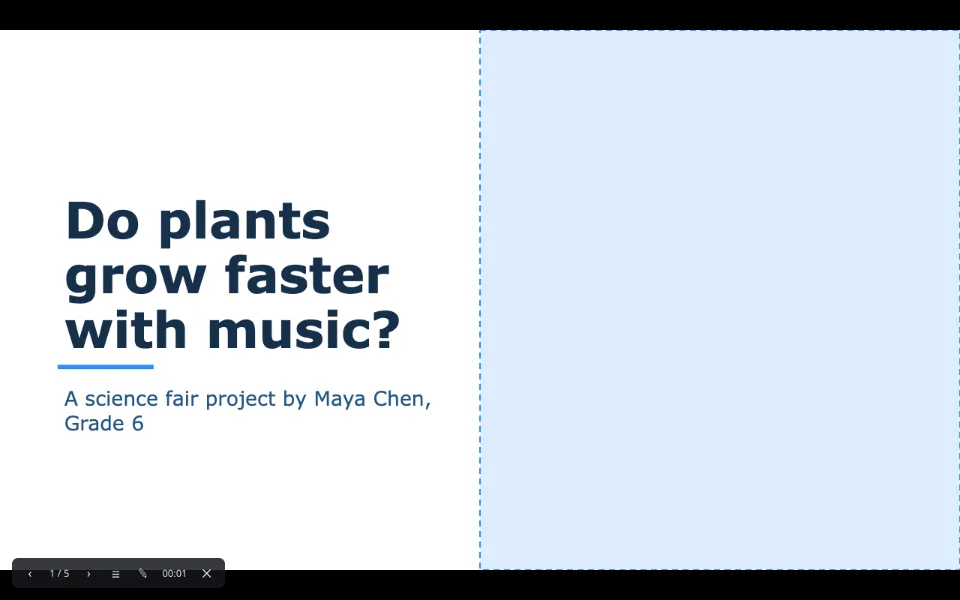
Open the Science fair project template for a complete one about whether music helps bean plants grow: a cover with the question and your name, a photo slide for the setup, three steps — set up, play, measure — and what you found, with an honest conclusion. Keep that rhythm with your own topic: one idea per slide, a picture where words aren't needed.
How can students make a presentation that stands out?
- Six lines of text per slide at most; say the rest out loud
- Big type — titles from thirty-two points, body from twenty
- One strong picture instead of three small ones
- Numbers as a chart, with your data typed into the sheet
- A rehearsal with the timer in Presenter view
Can teachers build lesson slides quickly?
Yes — the Lesson plan template covers today's plan, a timed run of the class, materials and the learning goal. On a whiteboard, present from the browser and use the laser pointer and pen, while animations reveal answers one click at a time.
How to build a school presentation
Open a template, or ask AI
Science fair project for students, Lesson plan for teachers; with AI connected, press ✦ AI and name your topic.
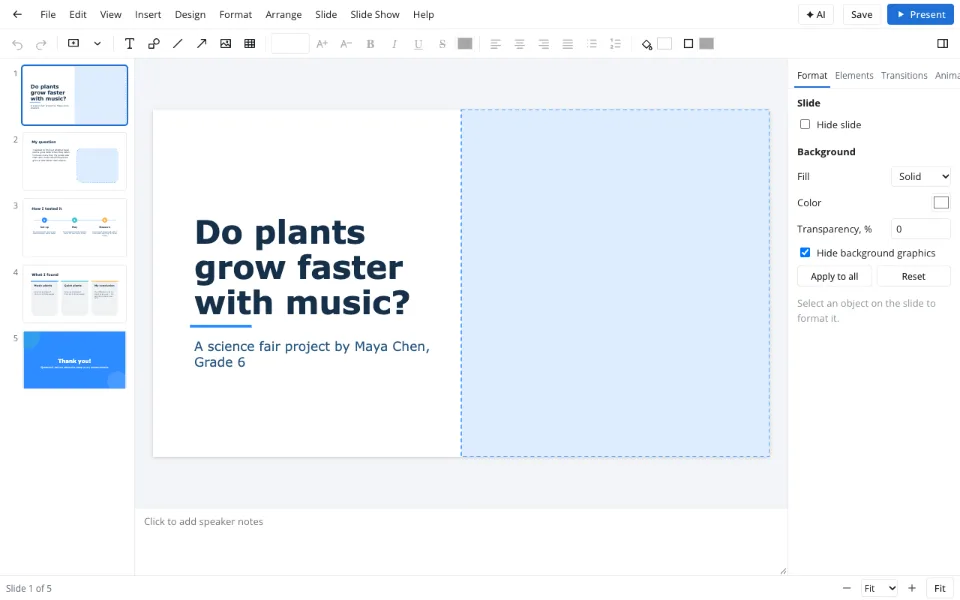
Follow the outline
Cover, hook, a few key points, a conclusion and sources — one idea per slide.
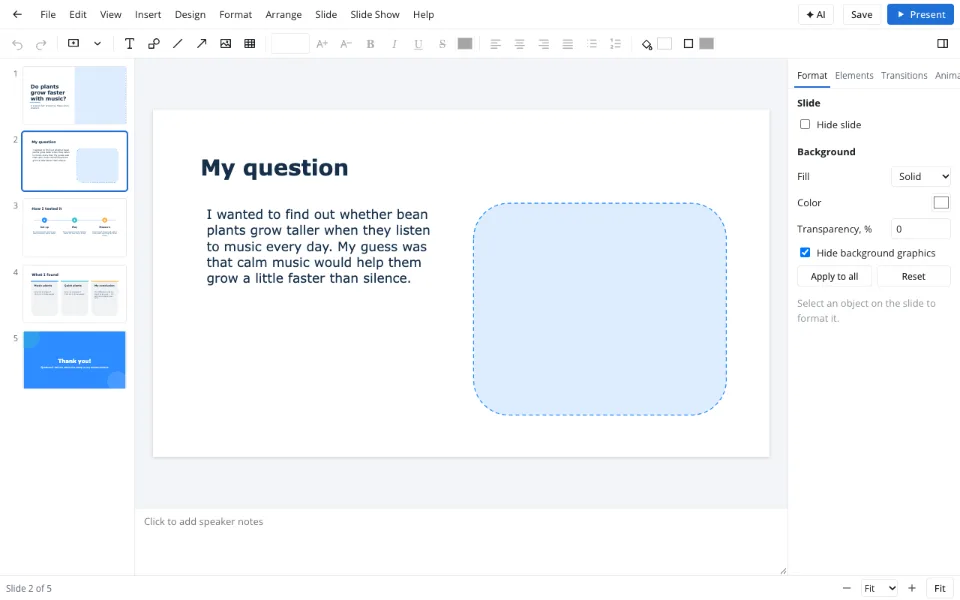
Add visuals, then present
Icons and photo frames come from Elements; Present for class, a PDF for your teacher.
Features
| Feature | What it gives you |
|---|---|
| School templates | Science fair project, Lesson plan and Thesis defense, ready to fill |
| Elements tab | Icons, photo frames and stickers by drag and drop |
| AI draft | A first version from your topic (paid, sign-in) |
| Export | Download .pptx, or a PDF to hand in |
Privacy
Templates open in your browser and your file downloads to your device. A deck reaches the Zotu cloud only after you sign in and save; stored data is handled under GDPR.
FAQ
Support: [email protected]
How do I start a school presentation?
Hook the class within twenty seconds: a surprising number, a question or a photo that makes people curious, then one sentence on what you'll cover. The Science fair project template puts your question right after the cover for exactly this.
How do I make a good presentation for school?
Choose one clear message and build seven to twelve slides around it: title, hook, a few key points, a conclusion and sources. Keep text short and large, use one strong picture per slide, and rehearse with a timer so you finish on time without rushing.
How do I make a presentation for a school project?
Open the Science fair project template, put your topic and name on the cover, then cover your question, how you tested it, what you found and what it means. Add photos of your work in frames from Elements and download a PDF for your teacher.
How do I start a class presentation confidently?
Learn your first two sentences by heart and look at the class rather than the screen. Presenter view shows your notes and the next slide on your own screen while the room sees only the slides, so you never turn around to read.
How do I cite sources in a class presentation in APA style?
Add a final Sources slide with author, year, title and, for websites, the address, in APA order or the style your teacher asks for. A numbered list from Format → Bullets and numbering… keeps it tidy; small but readable type is fine on that slide.
Are there ready-made decks on specific topics?
No — you get templates, an outline and an optional AI draft, and the content stays yours. AI is paid and needs sign-in. Files can be up to forty megabytes, which is plenty for a class project with photos. Teachers can reuse the templates every term.
Is it free? Is there a watermark?
Templates, the editor, the slideshow and downloads are free and never watermarked, so your teacher sees only your work. Only the AI draft is paid and needs sign-in. Downloaded files can be shared and printed without restrictions. Your work stays yours to share however you like.
Is it safe to upload documents?
Nothing needs uploading for a school presentation: the template opens in your browser and your file downloads to your device. Work reaches the Zotu cloud only if you sign in and save it, and cloud data is handled under GDPR.
More tools
Templates & backgrounds
Backgrounds and designed decks for reports, pitches and posts.
PPT to PDF
A read-only handout anyone can open.
Presentation animation
Transitions between slides and effects on objects.
AI presentation maker
A first draft with speaker notes from a short brief.
PPTX viewer
Read and fix a deck from an email on any computer.
Slideshow maker
Photo loops and deck presenting without software.
Pitch deck template
Six slides that frame an investor conversation.
School presentation help: templates, ideas and an outline
Templates, ideas and an outline for class decks.
Open the editor