Slideshow maker for photo shows and presentations
A slideshow maker for party photo loops and for presenting a deck on a borrowed computer. Open a .pptx below and click Start the slide show, or build a photo show with Photo album.
- Runs in the browser
- Timed transitions and loops
- Laser pointer, pen, notes
- Works with
- .pptx
- .png
- widescreen
- square
- story
- paper
Use cases
Event loops
Birthday, wedding or team-offsite photos playing on a TV all evening.
Booths and lobbies
A kiosk deck that advances itself and loops until someone presses Esc.
Borrowed computers
Present your deck in a meeting room without installing anything.
How do I make a photo slideshow online?
Create a blank deck and choose Insert → Photo album…, pick your shots and a layout with one, two or four per slide, optionally captioned with file names. Then set a Fade transition with a three-to-five-second advance and Apply to all; drag thumbnails to reorder and press Delete for any you'd rather skip.
- Photo frames on the Elements tab — circle, heart, hexagon
- Square, portrait and story sizes for social posts
- Loop continuously until Esc in Slide Show → Set up slide show…
Can the slideshow maker export a video?
No video file is rendered: the show plays full screen in the browser with transitions and timing, which is exactly what a party screen or TV needs. For social media, switch to the story size and export slides as .png images to assemble in your phone's video editor. Video clips — .mp4, .webm or .mov — can sit on slides with autoplay.
Can I make a slideshow with music?
Partly: you can add an audio file (.mp3, .wav, .m4a or .ogg) to a slide, set it to start by itself and loop until stopped, but it plays only while that slide is up. A soundtrack spanning the whole show isn't available yet, so for background music play the track separately next to the auto-advancing slides.
What should the best slideshow maker for events do?
Place many photos in one go, apply a transition to everything, run on a timer, loop for kiosks and play on any screen — plus save a file other apps can open. That's the set covered here, in the browser and free, with .pptx so the show also runs in desktop presentation apps.
How the slideshow maker works
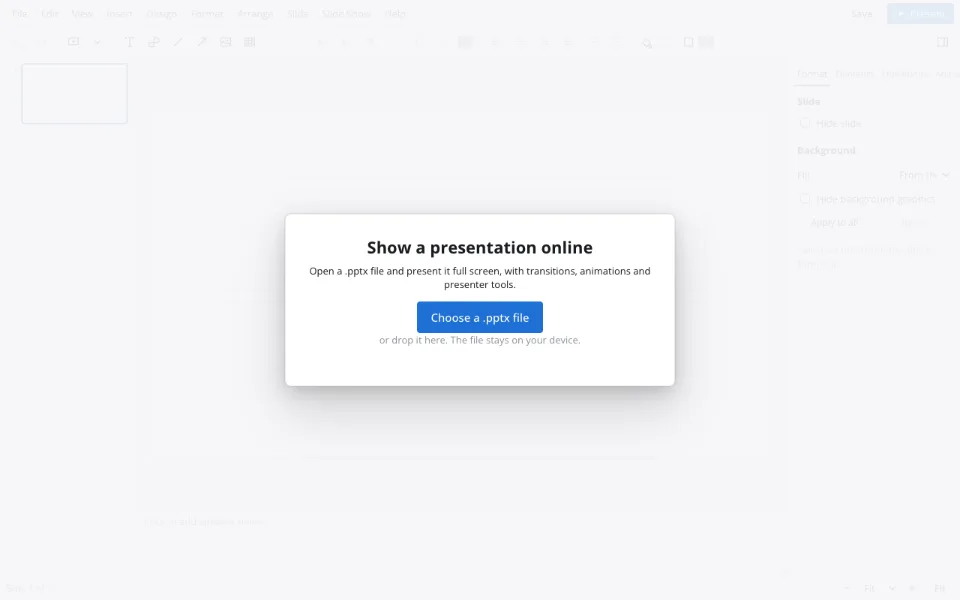
Bring in photos or a deck
Insert → Photo album… places pictures on slides; Choose a .pptx file opens an existing deck.
Set the rhythm
On Transitions, choose an effect, an advance time and Apply to all.
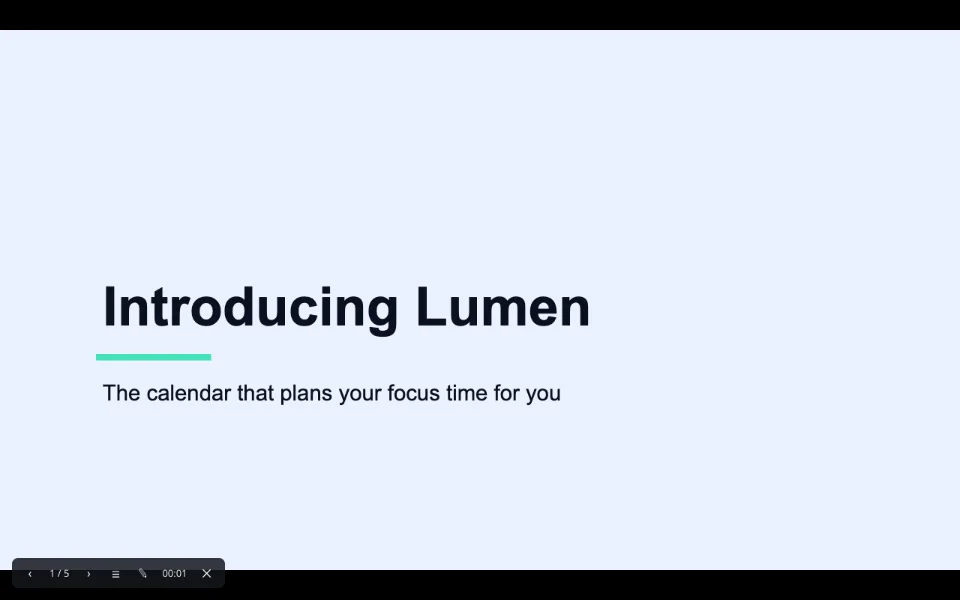
Run the show
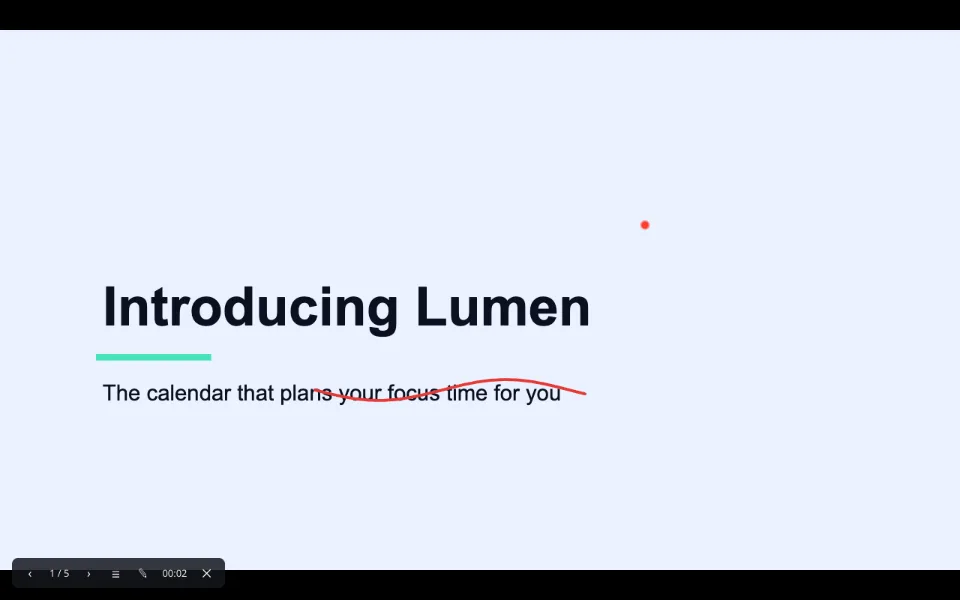
Present fills the screen; the laser pointer, pen and black screen are on the toolbar.
Features
| Feature | What it gives you |
|---|---|
| Photo album | Many pictures onto slides in one step, with captions |
| Transitions | An effect and an advance time for every slide at once |
| Set up slide show | Loop until Esc, kiosk and browse modes |
| Presenter tools | Laser pointer, pen, highlighter, black screen, jump to slide |
| Presenter view | Notes, next slide and a timer on your own screen |
Privacy
Your photos and decks open in the browser and aren't uploaded. Saving to the Zotu cloud needs sign-in and is handled under GDPR.
FAQ
Support: [email protected]
How do I make a photo slideshow online for free?
Start a blank presentation, choose Insert → Photo album… and select your photos with one, two or four per slide. Add a transition on the Transitions tab, set an advance time and click Apply to all, then press Present. No software, no account and no watermark involved.
Is there a free slideshow maker?
Yes — Zotu Presentations is free in the browser: photo layouts, transitions, timing, loops, the full-screen show and downloads cost nothing and add no watermark. Optional AI operations are the only paid part, and a slideshow doesn't need them. Downloads have no limits on reuse.
How long should a photo slideshow be?
For an event screen, three to five seconds per photo keeps things lively, and forty to sixty photos make a loop of a few minutes that people actually watch. For a toast or tribute, aim for the length of one song and keep only the strongest thirty shots.
Can I create a photo slideshow with music for free?
You can place an audio file on a slide and set it to autoplay and loop at no cost, but it plays only while that slide is showing. There's no single soundtrack across the show yet, so for background music run the track separately alongside the timed slides.
How do I present on a TV or projector?
Open the page in a smart TV's browser, or connect a laptop over HDMI and press Present. With a projector, Slide Show → Presenter view puts notes, the next slide and a timer on your screen while the audience window goes to the projector.
Can I control the show from my phone?
There's no phone remote yet. A standard presentation clicker works because it sends the same keys as the arrow keys, and on a phone itself the show advances with a swipe. For kiosks, timed advance and a loop remove the need for any remote.
Is it free? Is there a watermark?
The slideshow maker, Photo album, transitions and full-screen show are free, and nothing is watermarked, on screen or in the saved file. You can play the show at as many events as you like; files can be up to forty megabytes.
Is it safe to upload documents?
Your photos and decks aren't uploaded anywhere — everything opens in the browser on your device. If you sign in and save to the Zotu cloud, files are stored for your account only under GDPR. Nobody but you can see your photos.
More tools
Presentation animation
Transitions between slides and effects on objects.
PPTX viewer
Read and fix a deck from an email on any computer.
PPT to PDF
A read-only handout anyone can open.
Templates & backgrounds
Backgrounds and designed decks for reports, pitches and posts.
AI presentation maker
A first draft with speaker notes from a short brief.
School presentation
Templates, ideas and an outline for class decks.
Pitch deck template
Six slides that frame an investor conversation.
Slideshow maker for photo shows and presentations
Photo loops and deck presenting without software.
Open the editor